synergyscape.co.in

Is Your Bangalore Business Losing Money to IT Downtime? A Practical Playbook for Computer AMC

Computer AMC Bangalore refers to an Annual Maintenance Contract for computer hardware, software, and network infrastructure, specifically serviced by providers in Bangalore. It’s a proactive agreement where a vendor takes responsibility for the regular upkeep, troubleshooting, and repair of your IT assets to ensure business continuity. For Bangalore-based businesses, this means having local, responsive support that understands the unique operational and environmental challenges of the city’s tech ecosystem.

Opening: The Real Problem You’re Facing

If you’re reading this, you’re probably dealing with the daily firefighting of IT breakdowns—a sales executive’s laptop dies before a big client presentation, the accounting software crashes during month-end closing, or the network grinds to a halt, costing you hours of productivity. You’re tired of the ad-hoc costs, the blame game between hardware and software vendors, and the nagging fear that a major system failure is just around the corner. This reactive chaos is what a strategic computer AMC Bangalore plan is designed to eliminate. Let’s build yours.

What Exactly Is Computer AMC Bangalore? (The No-Jargon Version)

Forget the technical brochures. Think of a computer AMC Bangalore as a “health insurance and gym membership” combo for all your office technology. You pay a predictable annual fee, and in return, a local Bangalore provider ensures your computers, servers, printers, and network stay healthy and functional.

It moves you from a “break-fix” model (where you only call when something is broken and pay a premium for emergency service) to a “prevent-and-maintain” model. The AMC vendor becomes your outsourced IT department, handling routine check-ups, software updates, virus cleaning, and immediate repairs. The “Bangalore” part is critical—it means your support team is in the same time zone, understands local power fluctuations, can be on-site within hours, and speaks the language of your staff. It’s not just a service contract; it’s a partnership for operational stability.

How Do You Know You Need Better Computer AMC Bangalore?

Don’t wait for a catastrophic failure. Use this checklist to diagnose your current IT health. If you tick more than three, you have an urgent need to reevaluate your computer AMC strategy.

Warning SignWhat It Actually MeansUrgency Level
Frequent, unexplained slowdowns across multiple systems.Lack of routine maintenance: fragmented hard drives, outdated drivers, malware accumulation, or an overloaded server.High – Productivity is bleeding daily.
Different vendors for hardware, software, and network causing blame games.No single point of accountability. Issues take longer to resolve as vendors point fingers.High – Business risk during outages.
IT costs are unpredictable, with surprise invoices for “emergency repairs.”You’re on a costly break-fix model. An AMC converts variable costs into a fixed, budgetable line item.Medium – Financial planning is disrupted.
New employee onboarding takes days because system setup is ad-hoc.No standardized imaging or deployment process. IT is reactive, not strategic.Medium – Scaling the team is inefficient.
Data backup is someone’s “occasional task.” Last verified backup is unknown.You are one hardware failure or ransomware attack away from catastrophic data loss.Critical – Existential business risk.
Software licenses are expired or unmanaged, leading to security gaps or compliance risks.No asset management or lifecycle tracking. Opens the door to audits and cyber threats.
Your current “IT guy” is overwhelmed, only responds to shouts, and has no documented processes.You have a single point of failure. If he leaves or is unavailable, your business halts.High – Operational resilience is zero.

What Is the 90-Day Action Plan for Computer AMC Bangalore?

This is your implementation roadmap. Follow it phase by phase.

#Phase 1: Weeks 1-2 (Discovery & Vendor Selection)
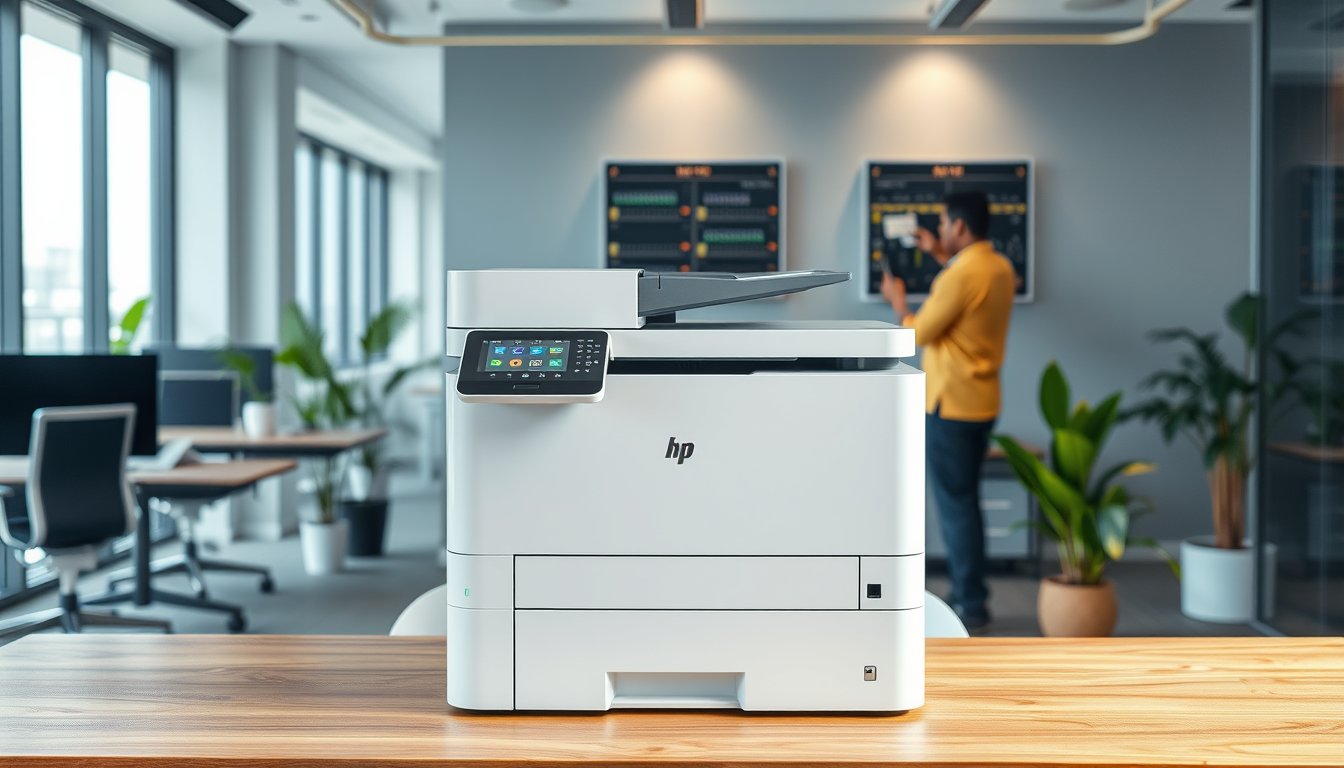
* Action 1: The IT Census: Create a simple spreadsheet. List every asset: Desktop (Make/Model/Year), Laptop, Server, Printer, Network Switch/Router, Critical Software (OS, MS Office, Tally, CRM). Note its location and user.
* Action 2: Define Pain Points: From the checklist above, list your top 5 recurring IT issues. Be specific: “Tally slows down every month-end,” “Wi-Fi drops in conference room.”
* Action 3: Shortlist 3 Bangalore AMC Vendors: Source from references, local business groups, or professional networks. Filter for those who service your area (e.g., Whitefield, Koramangala, MG Road) and your business size.
* Action 4: The Practical RFP: Don’t send a complex document. Email them your Asset List and Top 5 Pain Points. Ask for: 1) Standard AMC proposal covering listed assets, 2) Sample response time SLA for on-site and remote support, 3) Three client references (similar industry/size), 4) Clear exclusions (what’s not covered).

#Phase 2: Weeks 3-4 (Evaluation & Onboarding)
* Action 1: Reference Checks: Call the provided references. Ask: “Do they show up on time?” “How do they handle emergencies after hours?” “Has their IT downtime reduced?”
* Action 2: Contract Scrutiny: Ensure the AMC contract clearly states: Coverage Inclusions/Exclusions, Response & Resolution Time SLAs, Number of preventive visits per year, Process for handling non-AMC issues (like new laptop setup), Exit clause.
* Action 3: Kick-off Meeting: Once selected, hold a meeting with the AMC team lead and your key staff. Walk them through the office. Introduce them to your “go-to” person internally. Set up a communication channel (WhatsApp group/email/ticketing system).

#Phase 3: Month 2 (Deep Clean & Baseline)
* Action 1: First Preventive Maintenance Visit: The AMC team should conduct a thorough health check of all covered assets. Expect a detailed report listing: hardware condition, software updates pending, backup status, and network health.
* Action 2: Implement the Backup Verification: This is non-negotiable. Ensure a robust, automated backup is in place for server and critical data. Perform a test restore of one file to verify it works.
* Action 3: Create a Basic IT Policy Draft: With the AMC’s help, draft a one-pager on password rules, software installation permissions, and data saving protocols. Communicate this to all employees.

#Phase 4: Month 3 (Review & Refine)
* Action 1: Review the First 60 Days: Analyze the tickets/logs. Are the same issues repeating? Is response time meeting SLA? Have major pain points reduced?
* Action 2: Strategic Planning Session: Meet with the AMC account manager. Discuss: Upcoming hardware refreshes (e.g., 5-year-old desktops), Software license renewals, Any scaling plans (new hires, new office). A good computer AMC Bangalore partner will help you plan and budget for these.
* Action 3: Knowledge Transfer: Ensure the AMC is documenting network passwords (in a secure vault), configuration details, and warranty information. You should own this data.

What Tools and Frameworks Support Computer AMC Bangalore?

The right tools turn ad-hoc support into managed service. Here’s a comparison of common approaches:

Approach / Tool TypeWhat It IsBest For (Bangalore Context)Implementation Tip
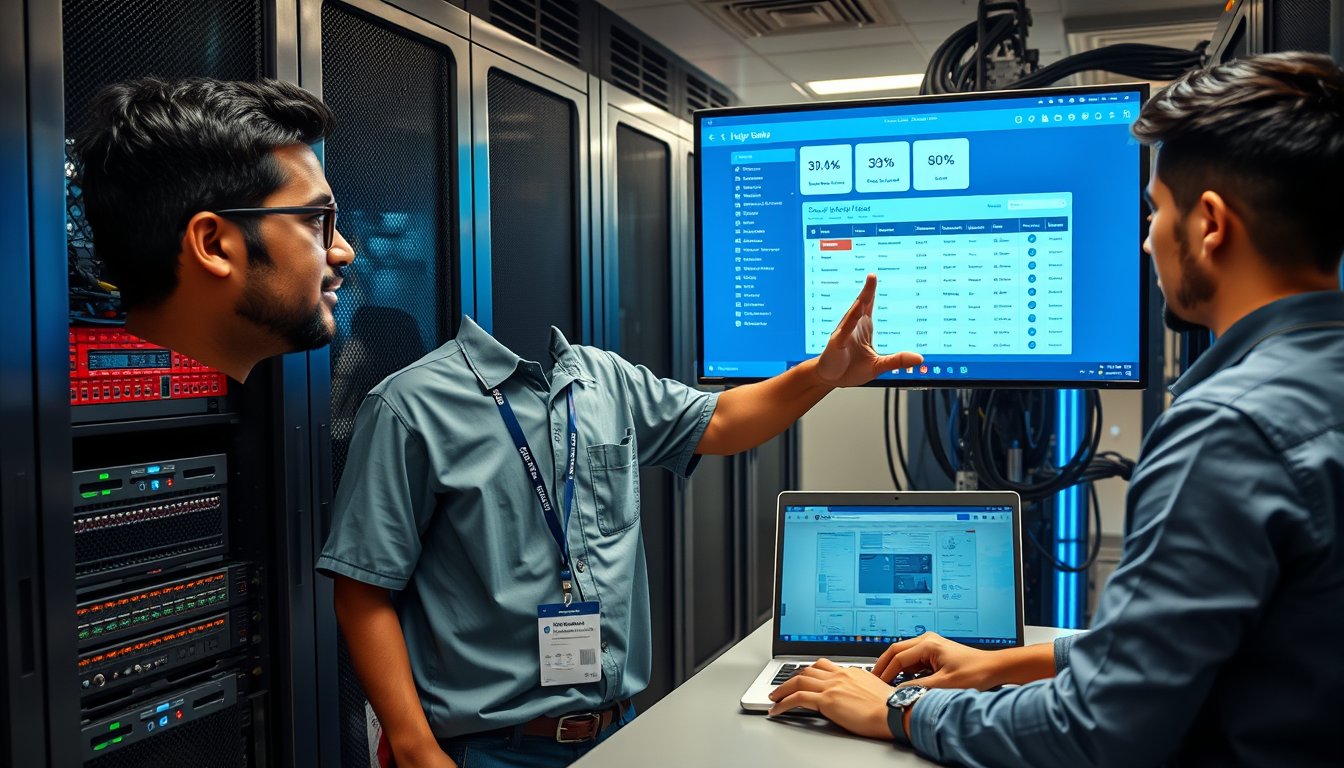
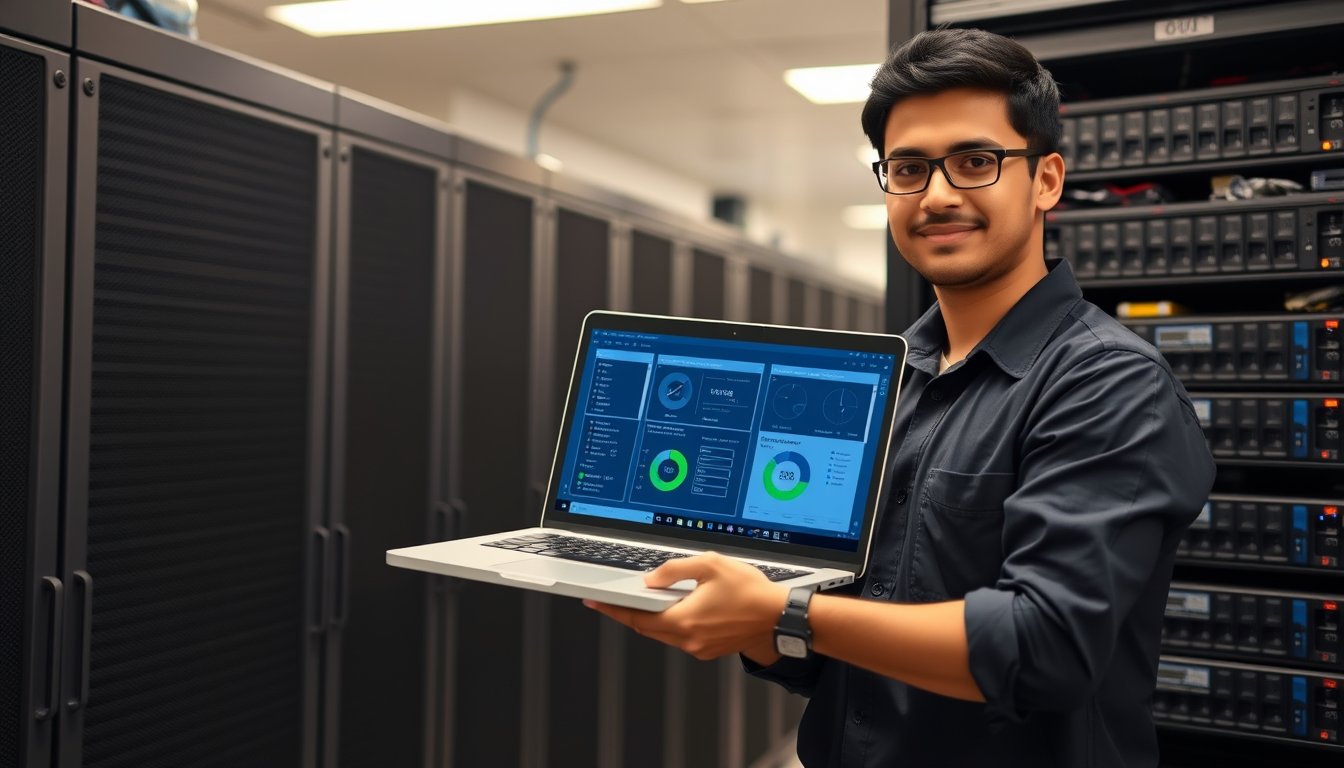
Remote Monitoring & Management (RMM)Software installed on your devices that lets the AMC vendor monitor health, push updates, and remote in to fix issues 24/7.Businesses with 20+ computers. Crucial for pre-empting problems before users notice.Ensure your AMC uses one. Ask for dashboard access to see your own network status.
Professional Services Automation (PSA) / Ticketing SystemA formal system (like Zoho Desk, Freshdesk) to log, track, and resolve all IT requests. No more requests via WhatsApp or shout.Creating accountability and a knowledge base. Stops issues from getting lost.Mandate its use from Day 1. Train staff to email support@yourcompany.com or use a portal.
Standardized Hardware & Software StackA policy to use only approved, uniform models of laptops (e.g., Dell Latitude series) and software. Reduces complexity.All businesses. Stops the “one-off” problem child device that consumes 50% of support time.Create a “standard issue” list for new hires. Your AMC can provide discounted procurement.
Cloud-Based Tools (Backup, AV)Using services like Acronis Cloud Backup, Microsoft 365, or cloud-based antivirus for centralized management.Businesses with remote/hybrid teams common in Bangalore. Data is safe off-site.Migrate from local, manual backups. This is often included in a comprehensive computer AMC Bangalore plan.

What Are the Common Pitfalls with Computer AMC Bangalore?

I’ve seen these mistakes derail well-intentioned plans:

1. Choosing on Price Alone: The cheapest AMC will cover only the bare minimum, use inferior spare parts, and have slow response times. They often make money on the exclusions and emergency calls outside the contract. Value consistent uptime over saving 10% on the contract.
2. Poor Scope Definition: Signing a contract that only covers “desktops” but not the server they connect to or the network switch is useless. Ensure the scope covers the entire *system* needed for a user to work: device, OS, standard software, network connectivity, and critical peripherals like printers.
3. Lack of Internal Process: An AMC is not magic. If your employees install random software from the internet, use weak passwords, or physically damage equipment, problems will persist. You must enforce basic IT policies. The AMC is your doctor, but you have to follow the diet.
4. No Performance Review: Setting and forgetting the contract. Without quarterly reviews of SLAs and ticket trends, you won’t know if the service is improving your operations or just maintaining a low standard.

How Do You Sustain Computer AMC Bangalore Long Term?

Treat your AMC as a strategic partnership, not a vendor relationship.

* Schedule Quarterly Business Reviews (QBRs): Sit down with the account manager. Review metrics: Mean Time to Resolve (MTTR), number of repeat tickets, system uptime. Discuss upcoming projects and align IT with business goals.
* Iterate Based on Data: Use the reports from your AMC. If data shows most issues are from outdated hardware, plan a phased refresh. If tickets are about a specific software, consider training or an upgrade.
* Invest in Proactive Upgrades: A good AMC will tell you, “This server is end-of-life in 6 months.” Budget for these upgrades. The goal is to replace assets during scheduled maintenance, not during a catastrophic failure on a busy day. This proactive mindset is the ultimate benefit of a mature computer AMC Bangalore engagement.

Conclusion

Implementing a robust computer AMC Bangalore isn’t an IT expense; it’s an investment in business continuity, employee productivity, and peace of mind. Stop reacting to IT crises and start controlling them. Your action today: Complete the “IT Census” from Phase 1. You can’t fix what you haven’t measured. That single document is the first step toward transforming your IT from a cost center into a reliable engine for growth.

FAQ

Frequently Asked Questions About computer AMC Bangalore

What’s the typical cost of a computer AMC in Bangalore?

Costs vary based on number of devices, coverage scope, and SLA. For a small business (10-20 systems), expect ₹1,500 to ₹3,500 per device per year. Comprehensive plans covering servers and network gear cost more. Always get itemized quotes and compare coverage, not just price.

Does computer AMC cover software issues like Tally or QuickBooks errors?

A standard hardware AMC often excludes application support. However, many Bangalore providers offer ‘Comprehensive AMC’ or separate application support packs. Be explicit during negotiation: list your critical software (Tally, CRM, custom ERP) and ensure support for them is included or available as an add-on.

What happens if a part needs replacement under AMC?

A well-drafted AMC includes ‘parts coverage’ or ‘defective part replacement.’ Typically, the AMC provider will supply and fit standard parts (like RAM, HDD, power supply) at no extra cost. For expensive parts (motherboard, LCD panel), contracts may have a ‘fair wear and tear’ clause or cover them up to a certain value. Clarify this upfront.

Can I get an AMC for old computers?

Yes, but providers may charge a premium or exclude very old machines (e.g., >7 years). They are more prone to failure, and parts may be unavailable. The provider will likely advise a phased upgrade. It’s often more cost-effective to include older systems in the AMC for a short term while planning their replacement.

How quickly should an AMC provider respond in Bangalore?

This is the core of the SLA. For critical issues (server down, network outage), expect a remote response within 30 minutes and on-site within 2-4 hours in metro Bangalore. For non-critical issues (single PC not working), on-site within the next business day is standard. Traffic is a factor, so choose a provider with a base near your office.

What if I’m not satisfied with my current AMC provider?

First, refer to the termination clause in your contract (notice period). Document performance failures against the SLA. Before switching, run a fresh vendor selection process as outlined in the 90-day plan. Ensure a smooth transition by having all passwords, network diagrams, and software licenses documented and ready to hand over to the new provider.

“Leadership development isn’t about retreats. It’s about creating systems where leaders grow while solving real problems.”
— Karthik, Founder & Principal Consultant, SynergyScape

Written by Karthik
Founder & Principal Consultant, SynergyScape | 15+ Years in HR Consulting & Organizational Development across Indian Enterprises

Transform Your Organization Today

Strategic HR Solutions & Corporate Consulting for Indian Enterprises.

Call: 90366 35585 | Email: synergyscape.blr@gmail.com